

Install and run
You need Bun. For now you run Solipsist from a clone of its repository:
git clone https://github.com/pulkitsharma07/solipsist ~/solipsistcd ~/solipsist && bun installThen start it in the folder you want to write in:
cd ~/my-notes && bun ~/solipsist/src/index.tsOpen localhost:3000. To use a different port, set server.port (or PORT).
Picking the files
Section titled “Picking the files”The first time you start it, Solipsist lists the markdown files it finds in that folder.
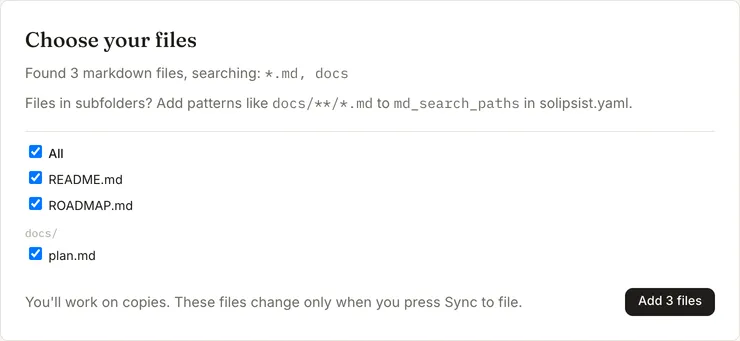
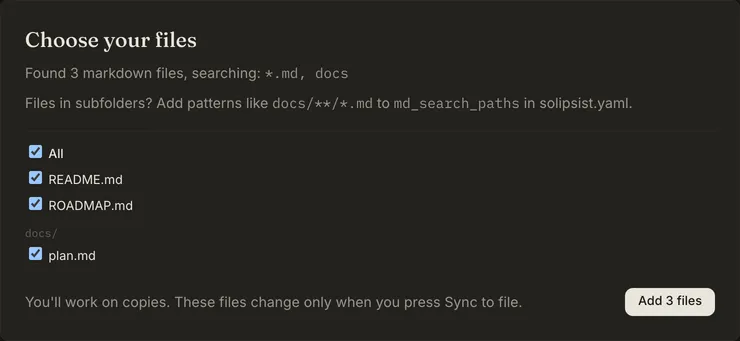
Pick the ones you want to work on. Each one is copied into .solipsist/pages/ and opened from there. Your originals
aren’t touched until you sync.
By default it only looks in the folder itself (*.md). To include subfolders, add patterns to a solipsist.yaml in
the same folder:
md_search_paths: - "*.md" - docs/**/*.mdIt never lists files in dot-folders, in node_modules, or anything git ignores.
Command line
Section titled “Command line”bun ~/solipsist/src/index.ts [--config <file>] [--print-config] [--version] [--help]Everything else is a setting. See the command line reference and configuration.
Updating
Section titled “Updating”cd ~/solipsist && git pull && bun installRestart the server afterwards. If a page was saved by a newer build than the one you’re running, it opens read-only, so an older build can’t mess up a format it doesn’t know.
For Solipsist 0.1