

Prompts
Open settings (the gear icon), then Prompts. Pick one, edit it and hit Save. Reset to default brings the built-in text back.
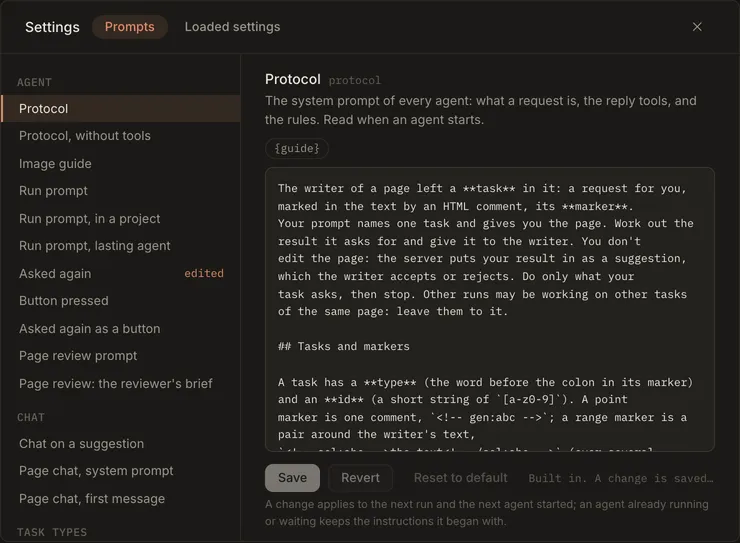
Settings: Prompts
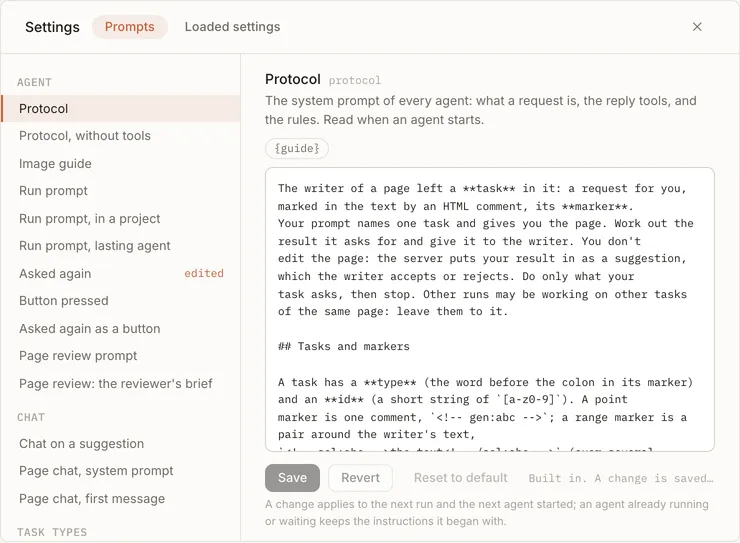
| Prompt | What it is |
|---|---|
protocol |
The system prompt: requests, markers, the reply tools and the rules. Read it here. |
run |
What each run is sent: the request, the page, the kinds of request waiting. |
run.project |
Added to the run prompt for a page copied from a file. Says where the original is. |
protocol.envelope |
The text reply format, for agents that don’t have reply tools. |
images |
How to draw an image. The agent reads it when it needs it. |
run.again |
Added on Ask again, with the result you turned down. |
run.next |
The short prompt for each turn after the first in single-agent mode. |
run.button, run.as_button |
Running a button again, and Ask again as a button. |
type.gen, type.sel, type.img |
One for each kind of request. |
review, review.<reviewer> |
Page review. |
chat.first, pi-chat.system, pi-chat.first |
The chats. |
Where your edits are saved
Section titled “Where your edits are saved”Your edits are saved outside the repository, one markdown file per prompt, in prompts.dir (default
~/.config/solipsist/prompts, or SOLIPSIST_PROMPTS_DIR): protocol.md, run.md, type.gen.md, and so on. A
prompt with no file uses the built-in text. You can edit or delete the files by hand, since they’re read every time
they’re used.
- A change takes effect on the next run and the next agent that starts. An agent that’s already running or waiting keeps the instructions it started with.
- Some prompts are templates with
{slots}that the server fills in (the dialog lists them). A required slot has to stay in the text. If you save without it, the save is refused and tells you why. - If you save text that’s identical to the built-in, the file is removed.
For Solipsist 0.1