

Agent panel
The agent panel opens on the right of the page when you click Debug or the model in the status bar, and closes the same way or with ✕. It’s where you change the page’s model and turn its agents off and on, and it shows everything the agents do, step by step. For how the runs themselves work, see How the agents work.
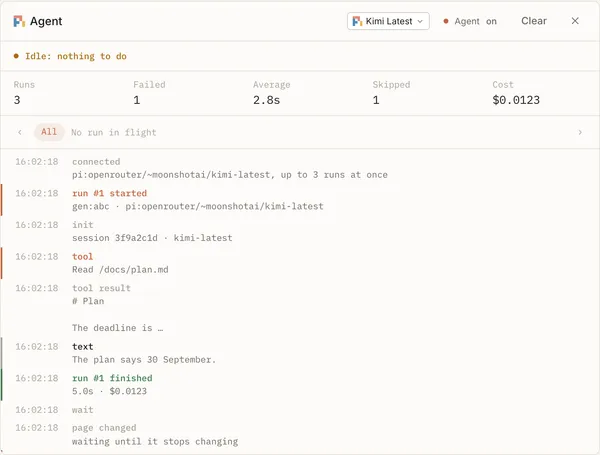
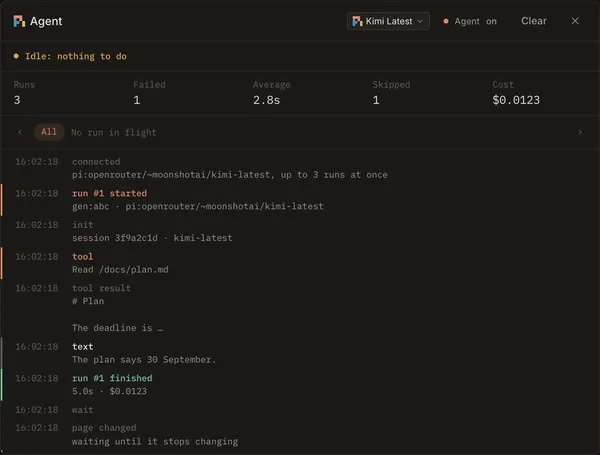
Header
Section titled “Header”- The model picker sets this page’s model, saved in the page’s file. A run already going finishes on the old one; the next starts on the new one. A suggestion’s own agent keeps its model when you chat or ask again. See choosing the model.
- Agent on / off starts or stops this page’s agents. It’s saved in the page’s file too, so a reload and every other tab agree. With the agents off, your requests stay in the page and start when you turn them back on. Turning them off stops a run that’s going.
- Page review starts a page review, the same as the button in the status bar. When it ends, the panel says what became of each question it raised.
- Clear empties the log below and starts the counts again. It doesn’t stop anything.
- ✕ closes the panel.
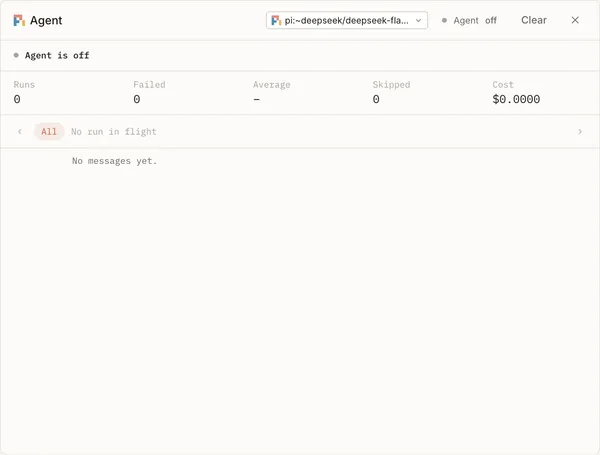
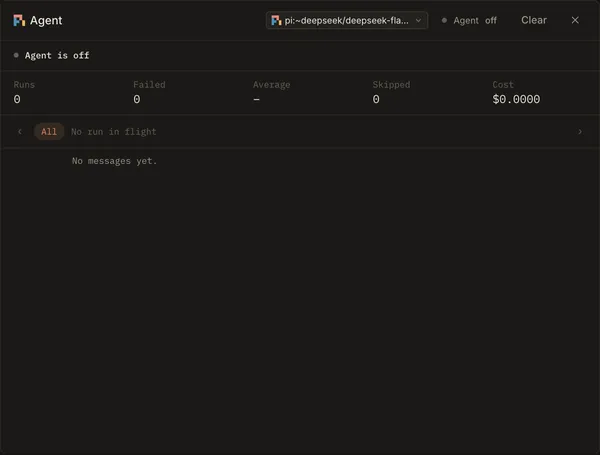
What the agent is doing
Section titled “What the agent is doing”The line under the header says what the page’s agents are up to right now, with a timer while a run is going:
| Says | Means |
|---|---|
| Running #3 · Running 2 runs | One run, or several, in progress. |
| Waiting for the page to stop changing | You’re typing. Runs wait until the page settles, so no agent reads half a word. |
| Idle: nothing to do | No request is waiting. |
| Idle: page unchanged | Nothing new to work on since the last run. |
| Waiting: other pages’ runs | The limit on runs across all pages is reached (agent.max_runs, see one agent per request). |
| Stopped: cost limit reached | A spending limit is reached. No new run starts. |
| Agent is off | You turned this page’s agents off. |
| Agent runs in another tab | The page is open in another tab, and that tab has the agents. The status bar’s Debug dot turns red. |
| Reconnecting… | The connection to the server dropped. It comes back on its own. |
Counts
Section titled “Counts”Runs finished, how many Failed, the Average time a run took, how many times a run was Skipped (with the reason in the log), and the Cost, the same figure as the status bar’s. Clear starts the counts again.
Runs in flight
Section titled “Runs in flight”A tab for each run that’s going, named by its number and its request (#3 sel:abc), with how long it has run. Pick
one to see only its messages, or All for everything. ‹ and › step through them. A run you picked stays
listed after it ends, marked done or failed, until you pick another.
The log
Section titled “The log”Every message from the page’s agents, newest at the bottom. It follows new messages unless you scroll up to read.
| Message | Means |
|---|---|
| connected | The panel reached the server. Says the model and how many runs may go at once. |
| run #3 started | A run began, on which request and model. |
| text, tool, tool result | The agent’s steps: what it wrote, each tool it called, and what came back. What it’s told to do is in its prompts. |
| run #3 finished · failed | The run ended. Says how long it took and what it cost, or why it failed. |
| page changed | You edited the page; runs wait until it settles. |
| skipped | No run started, and why: nothing waiting, the run limit, the cost limit, or the agents are stopped. |
| model | The page’s model changed; the next run starts on it. |
| error, warning | Something went wrong. A permission prompt nobody can answer shows here too (see privacy). A request whose runs fail three times in a row is declined. |
See also
Section titled “See also”- Status bar: the model, cost and Debug dot at a glance, without opening the panel.
- Connect a model: when no model can run yet.
- When it goes wrong: the error messages an agent can show, and their fixes.
- Chat: talk to the agent behind a request or suggestion.
- Configuration: the
agent.*limits the panel mentions.
For Solipsist 0.1