

Chat
Chat about a request
Section titled “Chat about a request”Chat on a suggestion’s card (Mod+Alt+C, or gc in vim) opens a conversation with
the agent that made it. It still knows everything from its run. You can also open the chat from the margin pill of a
request that’s still being worked on, and watch the agent work.
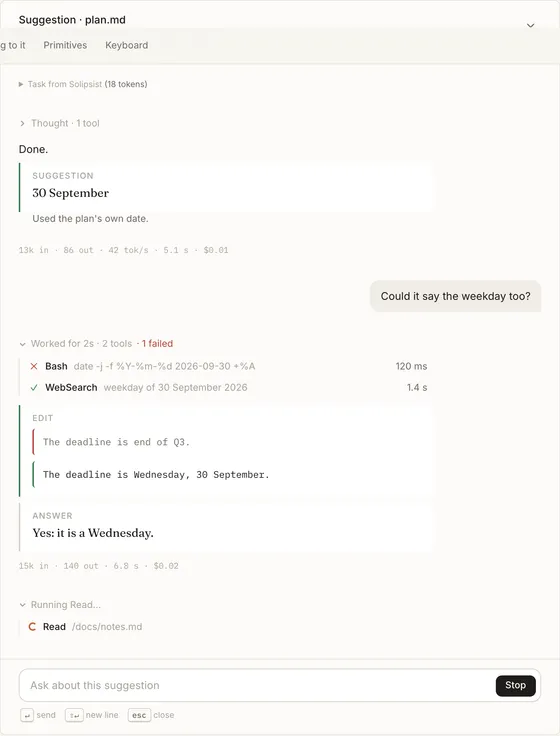
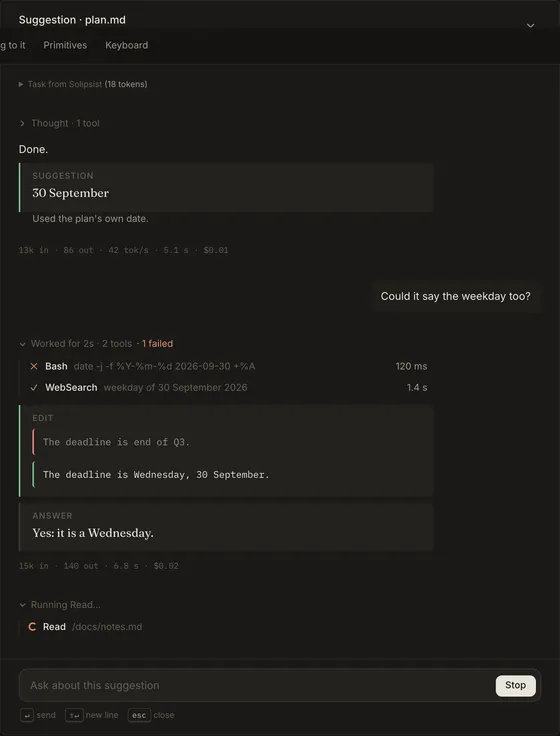
If the agent suggests something new in the chat, it replaces the suggestion on the card. If you’ve already decided on that request, the new suggestion goes at the end of the page instead.
Chat about the page
Section titled “Chat about the page”The chat button opens a chat about the whole page. It uses the page’s model, and you can change it from the picker in the header (the same picker as the agent panel’s). Suggestions it makes go at the end of the page and work like any other.
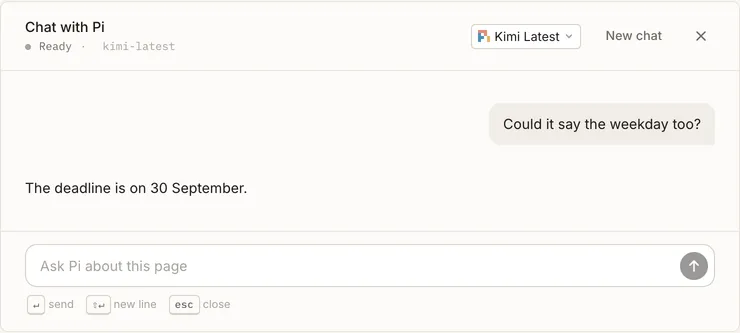
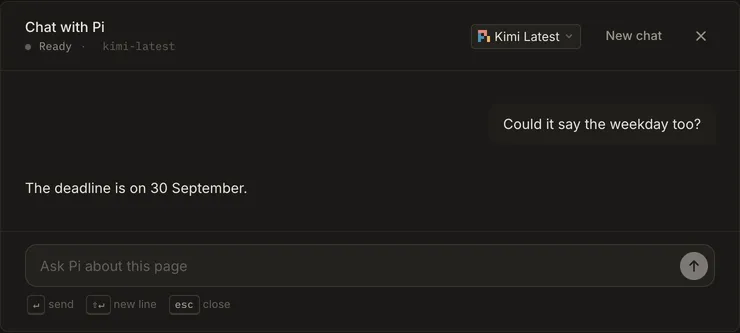
When the agent replies with a suggestion, an answer or a decline, the chat shows it as a card:
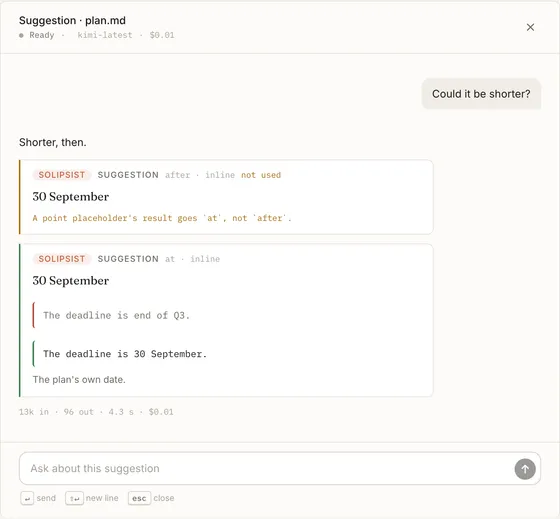
The conversation is saved with the page and picks up where you left off next time you open it. New chat starts over.
Closing and coming back
Section titled “Closing and coming back”Closing the window (the close button, Escape or a click outside) doesn’t stop a reply. Open the chat again and you’re back in it. If you send a message while the agent is replying, it reads it after its current step and answers in the same reply. Stop ends a reply.
For Solipsist 0.1