

Page review
Page review (in the agent panel and the status bar) sends the whole page to an agent that can only leave comments. It can’t change the text. Its questions show up in the margin, in blue, each next to the passage it’s about.
Review notes in the margin
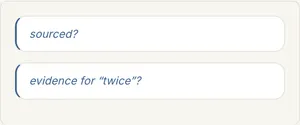
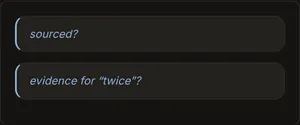
Open one to read the whole question and the passage it quotes. From there you can Ask the reviewer about it, or Dismiss it, and it won’t come up on that passage again.
Review question
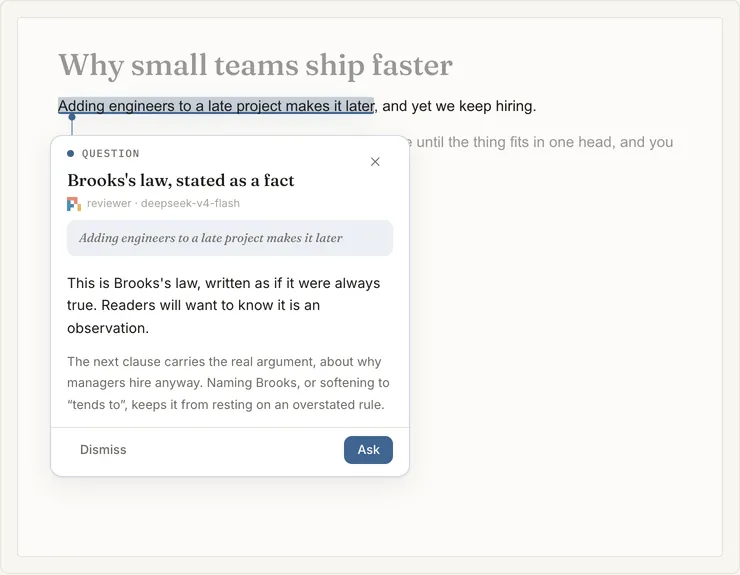
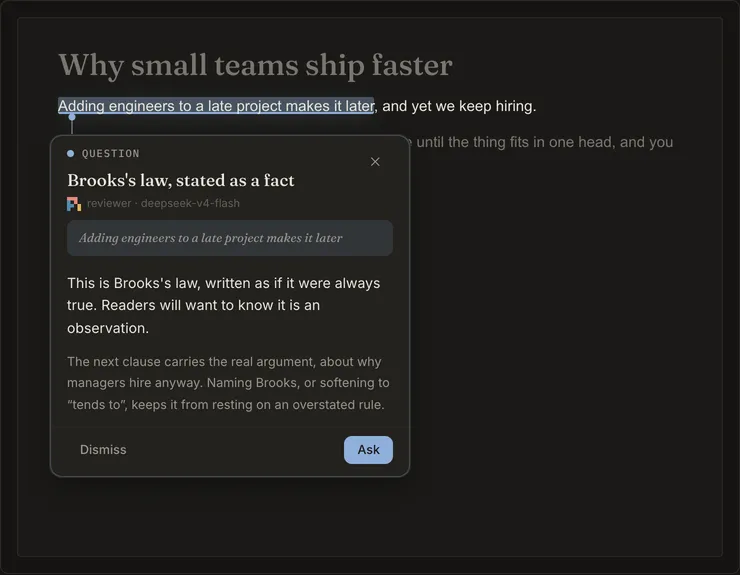
The reviewer’s questions are scored and filtered before you see them, so you get a few useful ones instead of one on
every line. The review.* settings control how many are kept overall and per block (see
configuration), and the review prompts control what the reviewer looks for (see
Prompts).
For Solipsist 0.1