

Asking for something
Every request starts with the same key, Mod+.. What you get depends on what’s selected:
| Where you are | Request | What the agent does |
|---|---|---|
| At the cursor, nothing selected | Completion | Writes something there. |
| Text selected | Request | Does what you type in the box with the selected text: rewrite it, shorten it, answer a question about it. The instruction is optional. |
| One image selected | Image | Changes the picture the way you describe. The instruction is required. |
Completion waiting


Request box


Selected image
The request is saved in the page as a marker (an HTML comment), so it’s still there after a reload or a restart. Each request gets its own agent. Up to three run at a time per page, and the rest wait in line.
What can come back
Section titled “What can come back”- A suggestion: text at the cursor, a replacement for the selection, or text after it. It can also suggest changes to other parts of the page. Those are shown with it and applied with it.
- An answer, if you asked a question about the text. It stays on the request (“Answered”) and nothing goes in the page.
- A decline, with the agent’s reason, if it can’t or shouldn’t do it.
Answered chip


Declined chip


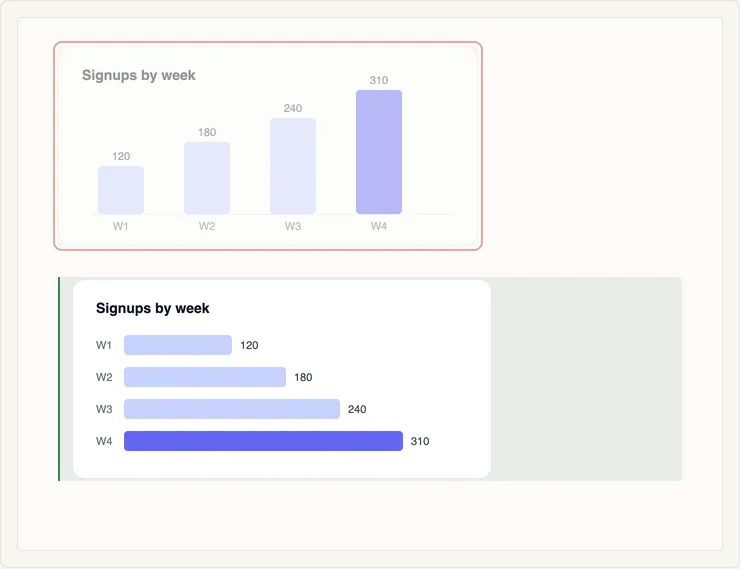
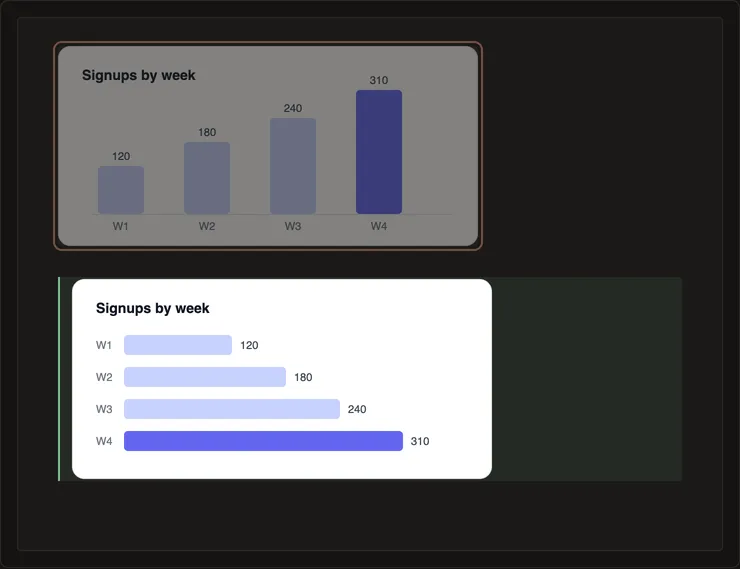
For an image, the suggestion is a new picture in place of the old one:
Suggested image
How a request is doing
Section titled “How a request is doing”The pill in the margin next to a request shows its state:












| Pill | Means |
|---|---|
| Clock | Waiting in line, or waiting for you to stop typing. |
| Agent icon | An agent is working on it. |
| Check, “Done” | Finished. The agent stays around for a few minutes in case you want to chat or ask again. |
| Moon | The agent is asleep. It wakes up, with its conversation, when you need it. |
| Bubble | You’re chatting with its agent. |
If a run fails, it’s retried. After three failures in a row, the request is declined. The agent panel’s log says why each run failed.
Turning agents off
Section titled “Turning agents off”The switch in the agent panel turns a page’s agents off. Your requests stay in the page and start when you turn the agents back on.
For Solipsist 0.1