

Files and Sync
Solipsist never edits your files while you write. It copies the ones you pick into .solipsist/pages/, and you work
on the copies. Every save, comment and agent request lives there, on your machine.
Sync to file
Section titled “Sync to file”

Sync to file writes a page back to its original file, but only the parts you changed. Solipsist keeps a copy of
the original exactly as it was when you loaded it (in .solipsist/originals/), so the lines you didn’t touch come
back byte for byte, formatting included.
If the original has changed since you loaded it (you edited it somewhere else, or pulled from git), Sync stops and asks first. Reload from file pulls those outside changes into the page and merges them with yours. After that you can sync.


What’s in a page
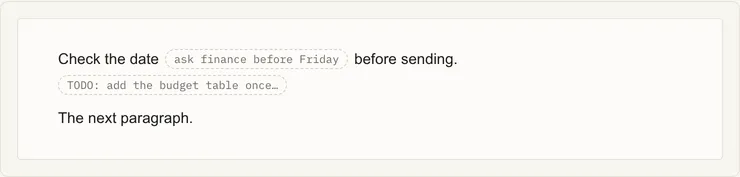
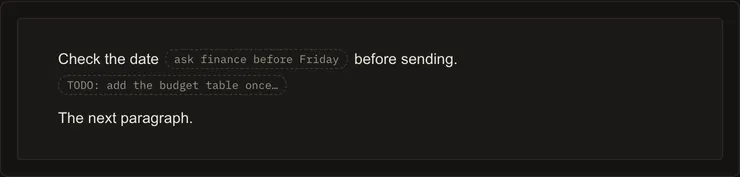
Section titled “What’s in a page”Comments and agent requests are stored in a hidden HTML comment at the end of the working copy, so a page is still one plain markdown file. See Page format. An HTML comment you wrote yourself is kept exactly as you wrote it and shown as a chip:
One tab per page
Section titled “One tab per page”You can only have a page open in one tab at a time. A second tab on the same page tells you it’s already open. Different pages can be open side by side.
For Solipsist 0.1